Single Photo Protection
Fast one-photo flow, with invisible protection designed for profile images.
Proof Before You Buy
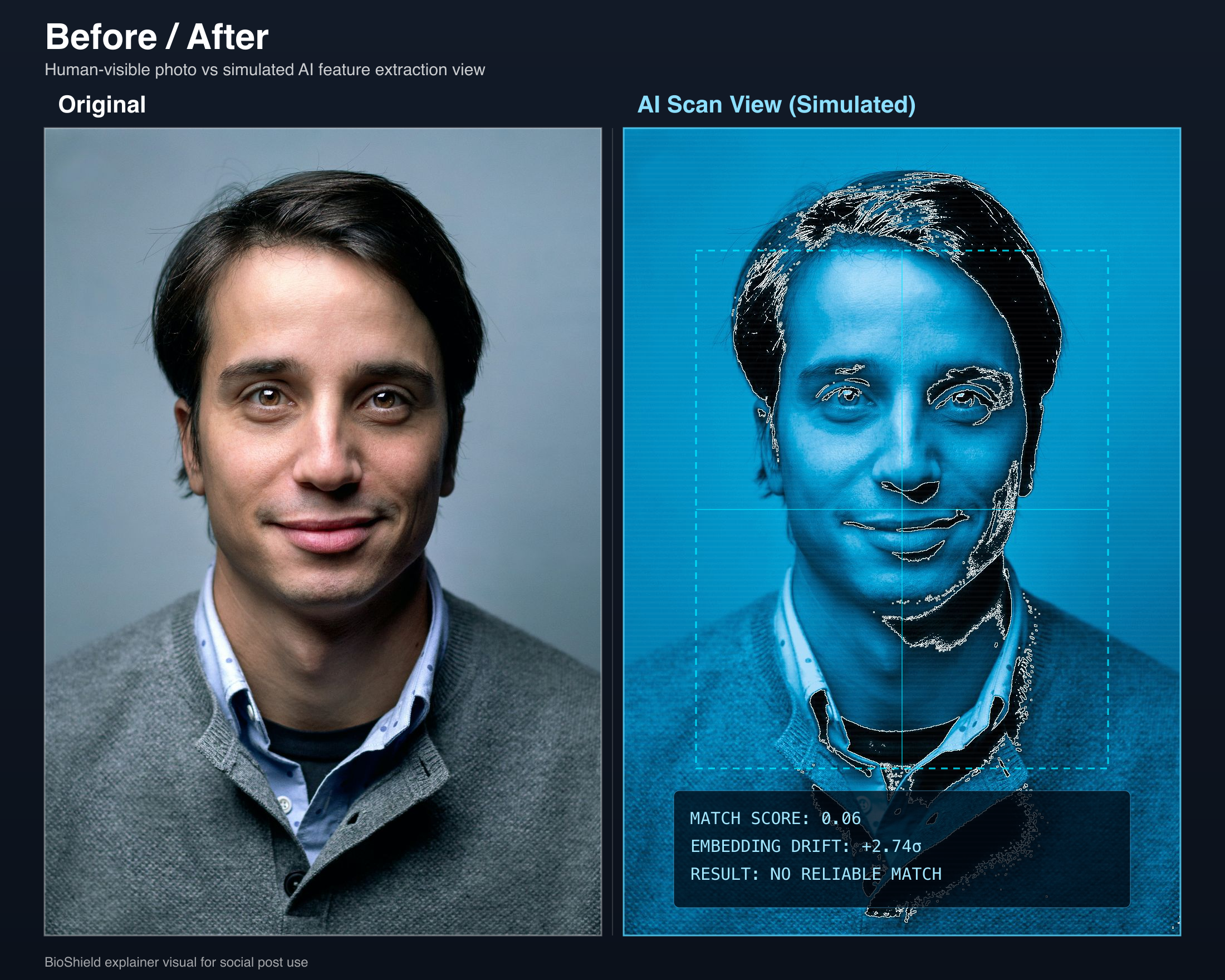
What people see vs what face-matching systems infer
The visual below shows the kind of model-visible signal we aim to disrupt while keeping the photo usable for ordinary viewers.
Why This Converts
Better fit for the real job: protect before posting
Use this if the image is about to go public on LinkedIn, company bios, speaker pages, portfolios, or creator profiles.
You do not need to prove existing exposure first. If the photo will be public, the cleaner move is to harden it before wider scraping and reuse.
The flow also includes a post-processing “What AI sees” view for newly protected photos so you can inspect the result after protection.
Good fit
- LinkedIn headshot refresh
- Company bio or speaker page update
- Portfolio, creator, or founder profile photo
- Any public-facing photo tied to your real identity
Add Photo
Drop an image or click to browse
Need bulk protection?
Better value for multiple photos
Single photo stays $2.99. Bundles lower your per-photo cost.
FAQ
Protection FAQ
These answers help clarify what photo protection is and is not before you upload your image.
What does CloakBioGuard do to a photo?
CloakBioGuard applies machine-targeted perturbations intended to reduce how reliably facial-recognition systems match the image while keeping the photo visually normal for people.
Will the protected photo still look normal on LinkedIn or company sites?
That is the goal. The product is designed for public-facing profile images, so the output should remain visually usable for ordinary viewers while changing what AI matching systems infer.
Do I need to subscribe to protect one photo?
No. The core protection flow supports one-time purchase for a single photo, with bundle options if you want to protect multiple images.
Should I scan first or protect immediately?
If you already know the image will be public and want to harden it before posting, protecting immediately is reasonable. The scan is optional and only estimates how usable the image is for facial recognition.